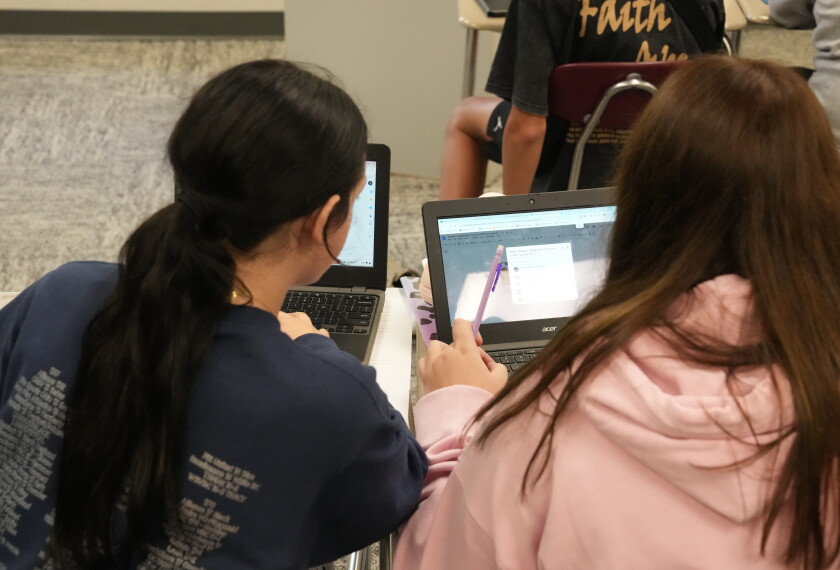

Much of what a student needs to do for school is online nowadays. Students need to access and submit their assignments on learning management systems; teachers use videos, online quiz apps, or digital games for student engagement; and an increasing number of schools are using adaptive learning programs to help supplement instruction.
But these digital tools are not always built to accommodate all students, especially those with disabilities or multilingual learners. Some educational technologies might not have captions for videos, their content might not be easily readable by students who need to use screen readers, or they might not have the option for students with physical disabilities to verbalize their responses.
To help schools create more accessible digital learning environments, the U.S. Department of Education’s Office of Educational Technology and the Office of Special Education and Rehabilitative Services in January published a brief on digital accessibility that provides recommendations for districts to consider. The brief was produced under the direction of the Biden administration, not the current Trump administration.
The accessibility advice for schools came nine months after an update to regulations for Title II of the Americans with Disabilities Act, which calls for public entities—including schools—to verify that those with vision, hearing, cognitive, and manual dexterity disabilities can access their online content.
In a conversation with Education Week, Desmond Rudd, an American University professor who works on special education issues and served as the project lead for developing the Education Department brief, discussed what accessibility is, why it’s important, and what schools need to do to ensure their digital infrastructure meets the needs of all students.
This interview has been edited for brevity and clarity.
What does the brief mean by ‘digital accessibility’?

We’re really focused on making sure that when we’re talking about online platforms and engaging students from the digital perspective—anything that is based online or using any form of technology—students should be able to have equal access and opportunity to whatever is happening within that classroom, regardless of their disability. [It’s about] specifically making sure that we’re reducing the barriers within our classroom environment when using technology.
Why do K-12 schools need to think about this?
When we talk about digital infrastructure, accessibility is a prerequisite. It is foundational. [The digital infrastructure] impacts our daily lives. It’s a huge part of us making sense of what is happening, of being able to determine whether something is factual or not factual. It’s also the distance between whether or not someone’s going to have a solid education.
For instance, let’s think about someone who may be hearing-impaired or has a visual impairment of some sort. That can be very difficult if their resources online aren’t accessible. It isn’t conducive for learning.
That is why it is so important that we should be talking about this, that schools should be worried about it, because it is producing the next generation of leaders within our society.
What’s one thing districts and schools need to do if they want to make their digital infrastructure more accessible?
The first thing that they could do is stop working in silos. When we talk about creating things that are accessible, it’s not just a special education department’s job. The school leadership needs to be on board with it. The IT department needs to be on board with it, as well as procurement. We need to make sure that we are communicating with each other, sharing ideas and thoughts around what we think about accessibility and how we approach it.
What other steps should schools take?
Assess what you have, what you don’t have, and bring in everyone in the room, including special educators, your speech language pathologist who deals with the assistive technology pieces; you want to bring in school leaders’ voices, as well as your procurement team. Bringing them all to the table is going to be really important as you talk about the idea of digital accessibility.
Once you do that, gather information, thoughts, and opinions around how you all define digital accessibility and create specific pieces around who’s responsible for what.
Engage with other school districts. People are doing this work across our country. We’ve seen it, and it’s highlighted within our accessibility brief, as well as our national ed-tech plan. Be in community with those who are also having the same issues, because you’re not the only school having issues around digital accessibility.
The last part within that is to develop a rigorous plan so that everyone understands who’s a part of what. Educate your families on what’s happening.