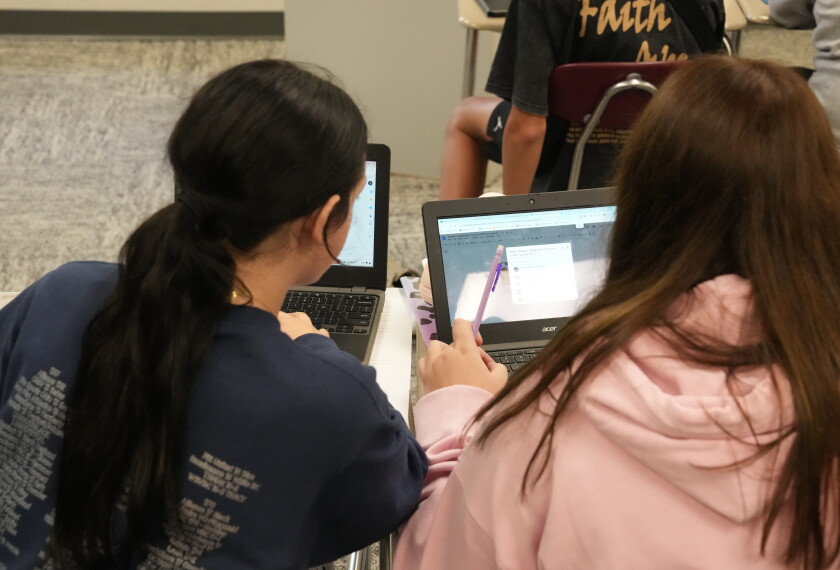

Jennifer Watkins believes in the power of robotics to make math and science come alive for students.
But robots don’t come cheap, and Watkins doesn’t have any dedicated funding for her STEM program for 3rd through 8th graders in her rural Arkansas district.
So, with support from her administration and in partnership with her colleague, Emily Crabtree, who teaches gifted education, Watkins has figured out how to give her students hands-on engineering and robotics experiences on a very tight budget.
“I want for them to see that the science [concepts] that they’re learning about are things that they can hold in their hands,” said Watkins, who teaches in the Fouke School District, in southwestern Arkansas. “The electricity that they’re learning about is something they can produce.”
Watkins added: “I want for them to see that they have the power to create the video games they love to play. I need for them to understand that that’s coding and that somebody, some programmer somewhere, made that sound and that graphic and that response and all of those things happen and that they—my kids—could also do that.”
To give her students those learning opportunities, Watkins has had to figure out how to stretch very limited dollars by finding inexpensive—or free—tech tools that can help her students see coding, electrical circuits, and augmented reality in action.
Here are some of her favorite, relatively inexpensive tech tools and classroom approaches, which she shared with fellow educators in a session at the ISTE+ASCD national conference in San Antonio this summer:
3D printed cubes to see and feel science
One ed-tech product, Merge Cubes, combined with a device such as a Chromebook, gives students the chance to interact with virtual simulations of the earth’s core, the solar system, the inside of a frog’s body, and other science concepts. Each cube retails for about $30 on Amazon.
Educators can sometimes get cubes for free at conferences like ISTE, produce them using a 3D printer, or get samples from the creators’ website using cardstock, and then have their students put them together. The app that powers the cubes has both paid and free versions.
“Sitting in a desk learning about the Earth, [students] don’t care, but whenever they can hold it and see it firsthand, it makes it relevant to them,” Watkins said.
Making devices to teach how electrical circuits work
Makey-Makey devices, which retail for around $50, allow students to use a circuit board, clips, and a USB cable to make just about anything—a banana, a potato—into a makeshift keyboard.
Watkins uses it to teach how electrical circuitry works. At the ISTE+ASCD conference session, she had four oranges hooked up to it and demonstrated how she could create a closed circuit by putting her hand on one of the oranges and turning the others into a piano.

They’re also helpful for teaching coding. Watkins will have her students use Scratch—a student-friendly coding language—to create a game. The Makey-Makeys can turn just about anything—cardboard, Play-Doh—into a gaming console. Students can then play the game they’ve created without ever touching a traditional keyboard, even though they are playing it on a computer.
That takes design thinking, Watkins said.
“I want my kids to be able to mess up,” she emphasized. “I try really hard not to tell them how to do it. I try to kind of throw it in front of them and let them play around. I tell them all the time, ‘I really hope you get it wrong the first time, because then you’ll get to improve upon it.’”
Teaching elementary and middle school kids how to code
BBC micro:bits, a small device, which retails for around $30, is also great for teaching coding, Watkins said. She will pre-program it for younger students and let them play a class-wide, digital version of rock, paper, scissors. She lets middle schoolers do the coding on their own, using tutorials on a free website.
She’s used it to let students code information about themselves as an icebreaker and made herself a micro:bit nametag to get students excited about using the device.
Building things to learn engineering skills
A building kit—which can be purchased for about $20—is great for younger students building creations with cardboard and can help introduce engineering skills without a digital component, Watkins said. There’s a saw for cutting cardboard that’s safe for even small kids, a screwdriver that can help students connect two pieces, and a perforating tool to make folding easy.
“Kindergarten can use these,” Watkins said. “It’s not going to cut them. It’s very safe.”
How to use STEM products to raise money
Watkins and her colleagues also found some creative ways to generate money.
For instance, Watkins bought a 3-D printer and filament (a type of plastic) for around $1,000.
Then she used those products to create small figurines her students and their families could buy, with prices ranging from about 50 cents to around $8. She created small panthers (the school’s mascot), dragons, and dragon eggs, and sold them at events like Field Day. The endeavor ultimately helped generate about $6,000 over two years. Watkins pumped those profits back into the district’s STEM program.
The district also funded a week-long STEM summer camp at a low cost per family. A local parent organization helped finance scholarships available for needy students. Watkins used part of the tuition money to purchase tools she could include in the camp and then repurpose for the classroom.
Most recently, the district secured a $10,000 grant from the Arkansas STEM coalition to help purchase other supplies.