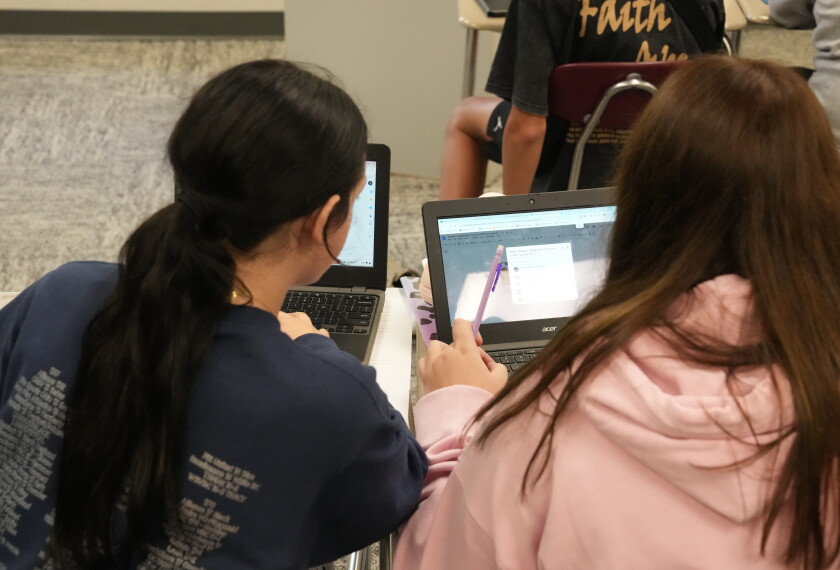
Most schools that have integrated laptop computers and other digital devices into learning are not following the paths necessary to maximize the use of technology in ways that will raise student achievement and help save money, a report concludes.
“We all know that technology does things to improve our lives, but very few schools are implementing properly,” said Leslie Wilson, a co-author of the study, “The Technology Factor: Nine Keys to Student Achievement and Cost-Effectiveness,” released last month. She is the chief executive officer of the Mason, Mich.-based One-to-One Institute, which advocates putting mobile-computing devices into the hands of all students.
The report, published by Project Revolutionizing Education, or Project RED, a research initiative closely linked to the One-to-One Institute that conducts research on what works in technology-rich learning environments, outlines several critical steps schools should take to see the most gains in student achievement and cost savings.
Those factors include integrating technology into intervention classes; setting aside time for professional learning and collaboration for teachers; allowing students to use technology to collaborate; integrating technology into core curricula at least weekly; administering online formative assessments at least weekly; lowering the student-to-computer ratio as much as possible; using virtual field trips at least monthly; encouraging students to use search engines daily; and providing training for principals on how to encourage best practices for technology implementation.
Only about 1 percent of the 1,000 schools surveyed by Project RED followed all those steps, and those that did “saw dramatic increases in student achievement and had revenue-positive experiences,” Ms. Wilson said.
About 220 of the schools surveyed have 1-to-1 computing environments. The survey gathered data from 49 states and the District of Columbia.
“That technology implementation is not just a matter of providing devices, but requires leadership,professional development, collaboration, and new forms of pedagogy and assessment, certainly matches what we and others have found through the last two decades of research,” said Mark Warschauer, a professor of education at the University of California, Irvine. “Districts across the U.S. that have implemented one-to-one programs with clear curricular guidelines and sufficient professional development have experienced significant benefits, including higher test scores in language arts, math, and other subjects.”
Saving Money
The second major finding of the study was that properly implemented technology saves schools money.
For instance, the report estimates that with a properly implemented learning-management system schools could cut their photocopying and printing budgets in half. Other cost savings come from reducing redundancies in data collection and software, tracking and identifying the best instructional materials for special populations of students, and lowering dropout rates.
However, Larry Cuban, a professor emeritus at Stanford University’s school of education, warns that Project RED’s cost analysis may not include all factors. “They do not seem to mention the total cost of operation and the recurring and hidden costs of putting one-to-one computing in every school,” he said.